Automatic environment setup
When Flute CMS is installed through the hosting panel, the required PHP extensions and optimizations are applied automatically, including ionCube and OPcache. Customers no longer need to contact support to enable the basic components required by the CMS and its modules.
Performance
Flute CMS performance recommendations have been applied. The website and admin panel now load noticeably faster without additional manual configuration by the customer.
What changes for customers
- Flute CMS can be installed in one click.
- ionCube and the required components are enabled automatically.
- Flute CMS environment requirements are handled by the hosting service.
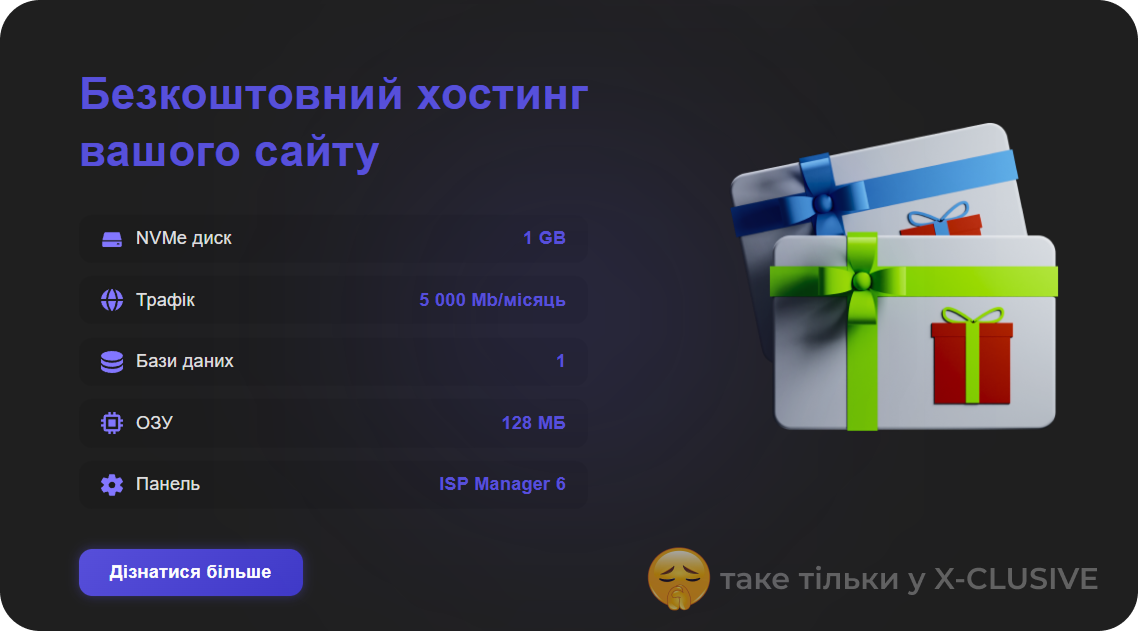
- Disk usage limits are enforced automatically.
When the disk limit is reached
An account is temporarily suspended when it reaches or exceeds its disk limit. This helps prevent a single account from overloading the shared server and affecting other customers. To restore service, free up disk space or contact support to change your plan.